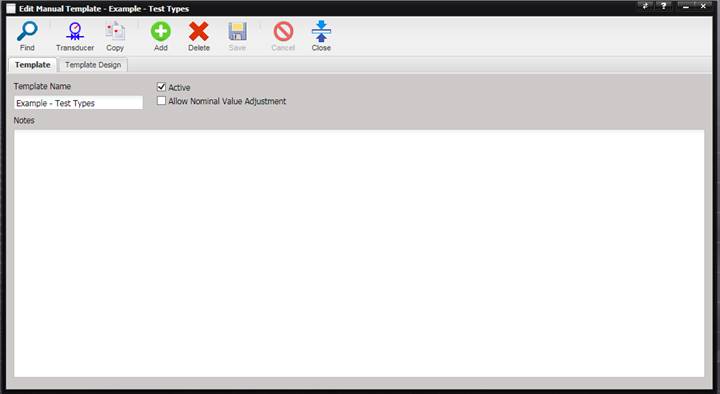
The Manual Templates option is for managing manual data entry templates used for recording calibration data. These templates can be associated with a Type and accessed on the Work Order screen to collect and record calibration data.
Select the Add button on the Find Manual Template screen to create a new Manual Template. The Add Manual Template screen is displayed.
Or, select the Find button to find a template to modify. The Edit Manual Template screen is displayed.