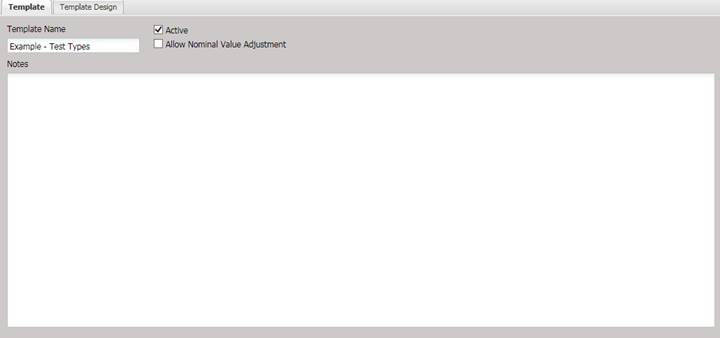
The Template tab is used to name the Manual Template, mark it as active, and enter any notes associated with the Manual Template.
·
Template Name (required) – The name of the template displayed to the user
during the selection process.
·
Active – If
checked, the template is active. By default only Active templates are displayed
to the user.
·
Allow Nominal Value Adjustment – Determines whether the Nominal column values are
editable when using the template to perform a calibration. This option is not
applicable to Transducer Manual Templates and is unchecked and disabled when
the Transducer button is pressed.
·
Notes –
Comments or notes specific to this particular Manual Template.