This System Default controls the behavior of the “+” button at the bottom of the Work Order Results tab.
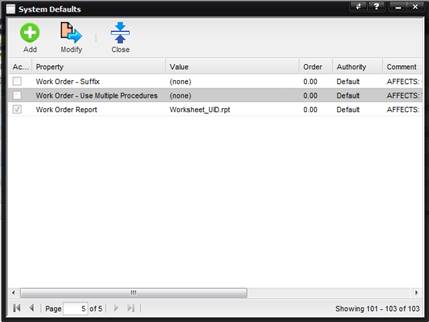
·
If active,
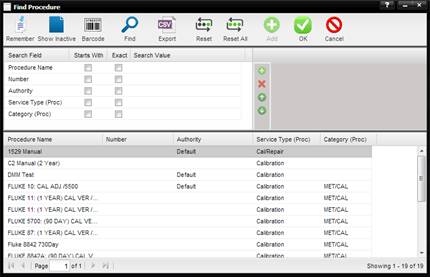
different procedures can be selected and used in the calibration process other
than the Procedure specified by the Procedure Used field on the Service Tab of
the Work Order. The Find Procedure screen is displayed, for selecting a
different Procedure as defined on the Procedure tab of the Type.
·
If inactive, only
the Procedure specified by the Procedure Used field on the Service tab can be
used in the calibration process. The Value field of this System Default is ignored.
The Order field of this System Default is ignored.