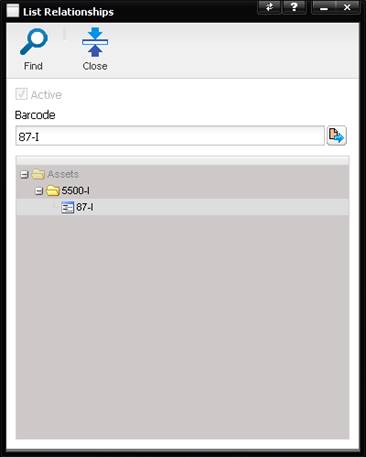
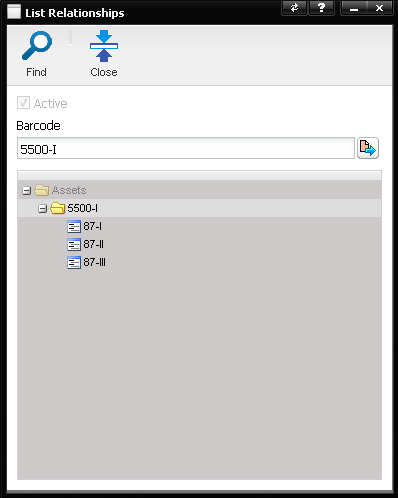
The Asset Tree button displays the List Relationship screen which is a tree view of the relationship between a Parent and Child asset. The Active checkbox is checked if the highlighted Asset is active.
The Barcode field displays the Barcode of the highlighted Asset and whose relationships are being displayed (both Parent and Child). Clicking on any Asset in the tree updates the tree. Select the Quick Link button next to the Barcode field to display the Asset screen with that Asset data visible.
In the Example 1 below, the 5500 calibrator is the Asset being displayed on the Asset screen when the Tree button was selected. The 5500 calibrator is the Parent for three 87 multimeters instruments.
In the Example 2 below, one of the child calibrators (to the 5500 parent calibrator) is the Asset being displayed on the Asset screen when the Tree button was selected. The 87-I calibrator is one of the three child Assets associated with the 5500 calibrator.