To modify, or view a Quick Note, highlight the title of the Quick Note and select the Modify button. The Modify Note dialog is displayed.
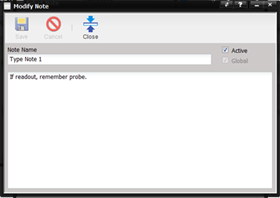
Modify the active status, note name or body of the Note as desired and select the Close button. The Global checkbox is only available when the note is created.