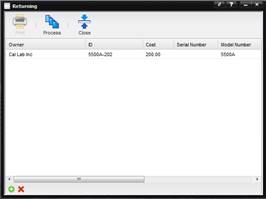
The following provides an example of how costs are calculated using the Level of Effort algorithm.
1.
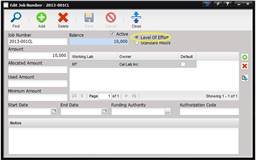
Using the Job
Number created previously; select the radio button “Level of Effort”.
2.
Receive Asset
5500A-202 into the Servicing Lab by selecting the Receiving menu option and
then Processing the Asset. Notice the Job Number is brought into the Receiving
screen. Open the Work Order that was created.
3.
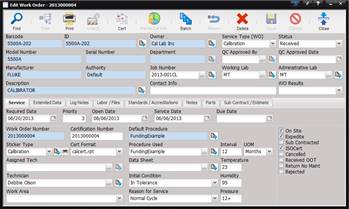
Entering a
Service Date, Due Date, and complete the Work Order by creating a Log Note.
Then select the Return button at the top of the screen.
·
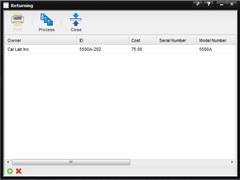
The Return screen
displays a cost of $75 which is derived from the ISO Cert Fee from the
FundingExample procedure.
o
Calculation = $75
(ISO Cert Fee)
·
Enter Labor of
2.5 hours using the Labor/Files tab. When the Return button is selected the
Return screen displays $200 which is derived from the labor charge and the ISO
Cert Fee.
o
Calculation = 2.5
(labor hours) * $50 (customer Rate) + $75 ISO Cert Fee.