To delete a User from this particular Group, highlight the row containing the User’s Name and select the “X” button at the bottom of the Group Members Grid.
A prompt is displayed asking you to confirm the deletion.
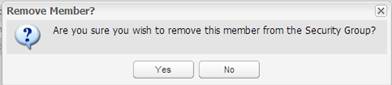
Select ‘Yes’ to remove this User or No to continue without removing this User.