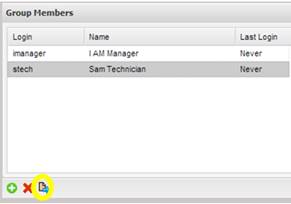
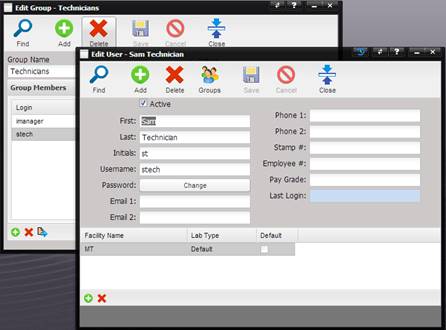
To view the User information, highlight the row containing the User’s Name and select the Quick Link button at the bottom of the Group Members Grid.
The Edit User screen is displayed with the User’s information displayed.
Related Topics
Groups