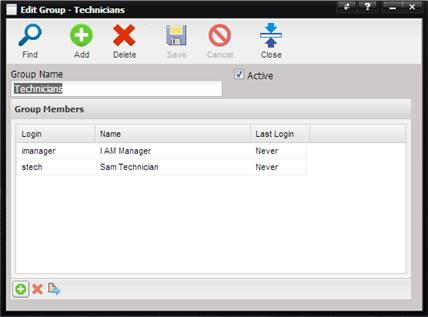
Users can be added to a Group from the Setup Users menu option or by selecting the “+” button at the bottom of the Group screen.
The Find User screen is displayed. Select the Find button to display a list of Users setup in the MET/TEAM application or narrow down the search criteria using the Starts With and Exact check boxes along with data in the Search Value.
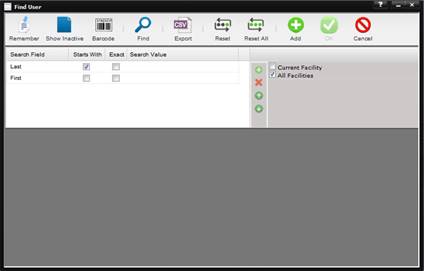
Select the User to Add and press the Ok button. The User is displayed in the Group Members Grid.