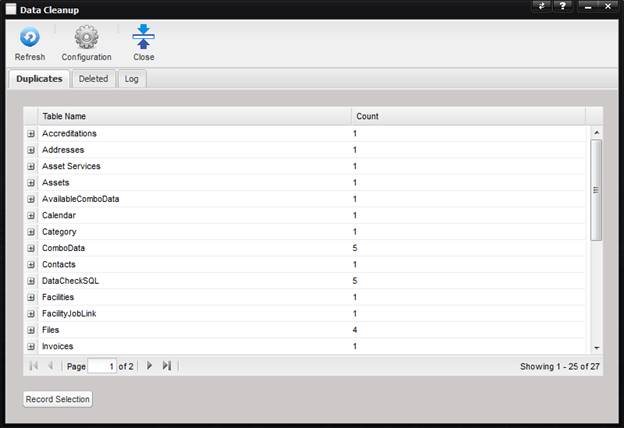
The Data Cleanup Tool serves two purposes, to consolidate records that are considered duplicate and to delete records that have been marked for deletion but have not yet been removed from the database.
Consolidating duplicates involves selecting one record that will be kept and marking the others for deletion once the Process button is selected. The references on the records marked for deletion are updated to the record to keep.
Records marked for deletion contain a non-zero value in the record’s lDeleted flag and upon processing, the records are removed from the database. This frees up space in the database.
Note: Access to this tool
is restricted to members of the Administrator security group by default. Only
one user should access the tool at any given time. Running multiple concurrent
sessions in the enterprise will result in unpredictable database changes!
The Data Cleanup Tool toolbar contains a Refresh button which populates the grid on the selected tab and a Configuration button which displays the Data Cleanup Configuration screen.