The Work Order Log tab is for specifying information that will be logged with the Work Order. The changes will be reflected on the Work Order Log Notes tab once the Process button is selected. This tab must be the active tab when the Process button is selected.
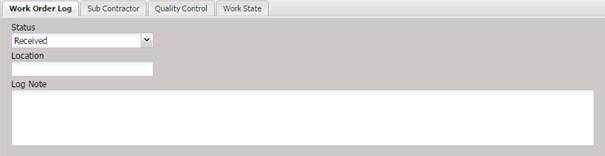
· Status – The status the Work Orders will be changed to and viewable on the Log Notes tab of the Work Order as a log entry.
· Location –The physical location for the Work Order log entry.
· Log Note – The notes which will be added to the Work Order log entry.