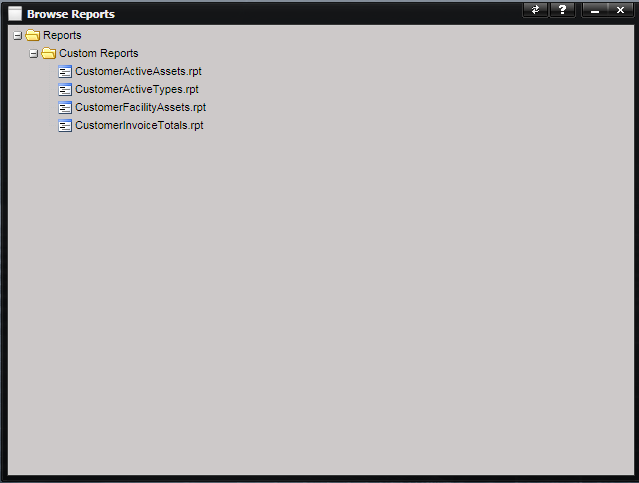
The Reports menu provides access to a number of printable reports with information of interest to customers using the Customer Portal application. The available reports are displayed on the screen. When a report is printed, the report opens in a new browser tab or new window. Depending on which browser you use, the title may be different. In all instances, the browser attempts to assign a title based either on the report name or the MET/TEAM URL that was invoked to generate the report.
Reports printed directly from a screen in Customer Portal are referred to as system reports. These are located in the reports system directory set up in system defaults.
Note: These reports
should never be moved to the Reporting\Customer Portal directory.
|
System
Default Setting |
Reports
Path |
|
Reports
- Default System directory |
C:\inetpub\wwwroot\CustomerPortal\Reporting\System\ |
Reports accessible from the Customer Portal Reports menu item are located in the reports directory set up in system defaults:
|
System
Default Setting |
Reports
Path |
|
Reports
- Default Reports directory |
C:\inetpub\wwwroot\CustomerPortal\Reporting\Customer
Portal\ |
If you want Customer Portal users to be able to print
additional reports, simply copy the Crystal Report file to the directory
indicated by the “Reports
– Customer Portal reports directory” system default setting on the server that
is hosting the Customer Portal web site.