The Menu
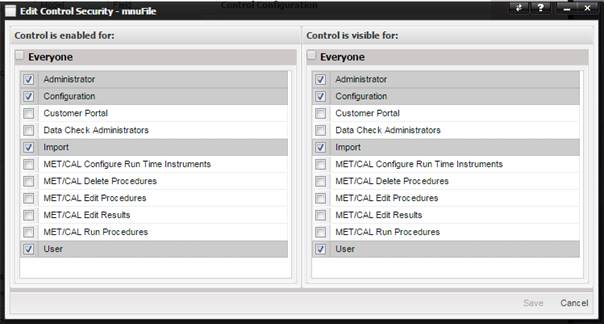
Security option is for customizing what features are available for what user
groups.
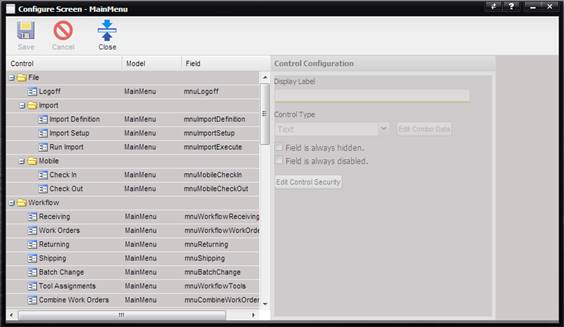
·
Field is always Hidden – If checked, the menu item is not visible.
·
Field is always disabled – If checked, the menu item is visible but is
disabled and cannot be used.
To change
the user groups that have access to this menu, select the Edit Control Security
button. The Edit Control Security dialog is displayed for selecting which user
groups the control is enabled and/or visible for.