The Children
tab is located next to the Parent tab on the top row of tabs underneath the Tool
Bar. The Children tab displays a grid of
Facilities that are children to this facility.
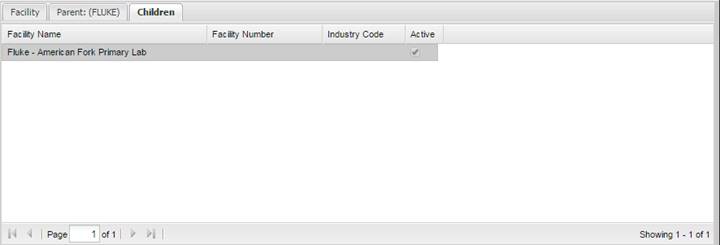
View the child facility information by highlighting the row in the grid and double clicking. If the Active check box is unselected, both active and inactive children are displayed.