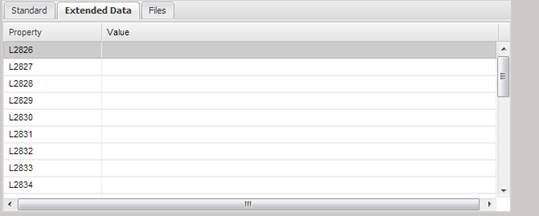
The Extended
Data tab displays the extended data elements for an Asset. The data can be
scrolled using the scroll bar on the right. The data can be edited by
highlighting and double clicking the data element and filling in the value on
the dialog that is displayed.