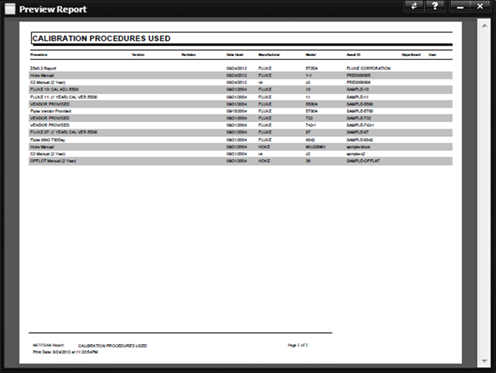
Unlike system reports, which are tied to a particular screen and receive their run time parameter values automatically from the calling screen, custom reports are run standalone and present prompts to be filled in, if needed, for their run time parameters. The reports that require additional information and for which a Crystal Report prompt screen is displayed are: InvoiceTotals.rpt (requires Start Date and End Date), InvoiceTotalsByAmount.rpt (requires Start Date and End Date), and Worksheet.rpt (requires WO Number).
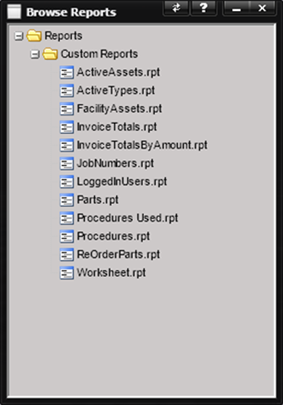
Double-clicking a report in the tree displays the
report viewer, or if parameters are to be supplied, present the Prompts screen
used for entering information needed for the report.
·
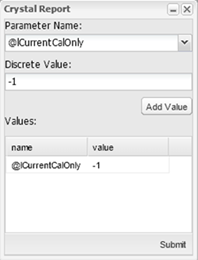
Parameter Name – List of available parameters.
Note: Although, the Crystal Report Designer allows for symbols
(i.e. +,*, $, #, etc.) in parameter names, symbols should not be used in
parameter names when writing reports for use in MET/TEAM.
·
Discrete Value – Value associated with the
parameter.
Select a parameter from the
dropdown and enter a value into the Discrete Value entry field. Then press the
Add Value button and repeat the process until all parameters have been selected
and a value supplied. Press the Submit button
to generate the report.