To open the Crystal Reports Designer, click Start > All Programs > Crystal Reports 2011 > Crystal Reports 2011.
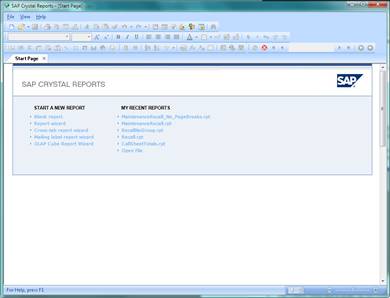
The shortcuts on the startup screen provide options to create a blank report, launch one of several report wizards, as well as opening an existing report, via recent report shortcuts or the Open File shortcut.
Start a new blank report via the Blank Report shortcut, pressing CTRL+N or clicking the New Report icon on the top toolbar.