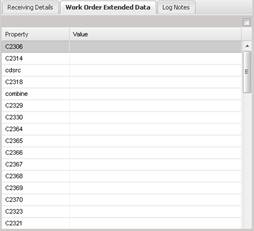
The Work Order
Extended Data displays the extended data elements for the Work Orders. Check
the check box in the upper right hand corner to apply the extended data entries
to all Work Orders. This data can be modified by highlighting the element in
the grid you wish to change and double clicking that element.
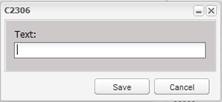
The user is then prompted with an input screen where the new
value can be entered. Once the user has entered the new value, select the Save
button to save the changes. Information
in this window is applied to ALL of the Assets in the Received Assets grid.