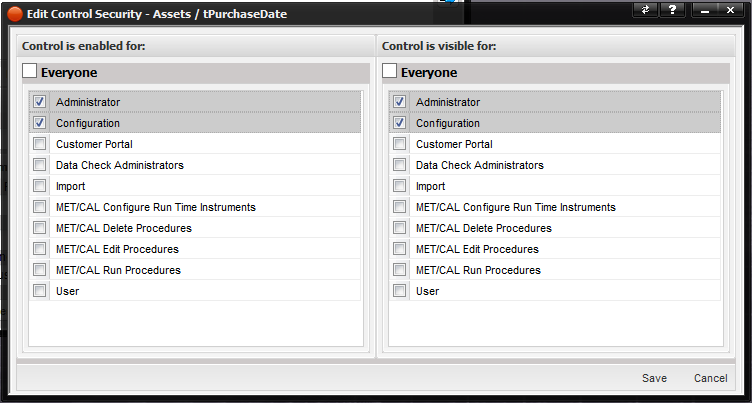
The buttons used on the MET/TEAM user interface can be secured by right clicking on the specific button. This customization requires users to log off to see the effect of any changes. Administrators or Configurators should make sure users are logged off prior to making
Note: Buttons cannot be made invisible. They can
only be disabled.
The Edit Control Security screen is displayed. Only the 'Control is enabled for:' is available for use.
Edit Control Security – Allows for editing the user groups that the control is enabled for. Select the appropriate groups and push the Save button.