The Logged in Users dialogs displays the users that are currently logged in, the module the user is logged into, the date and time of sign-in and the date and time of last access (when the user last performed an action).
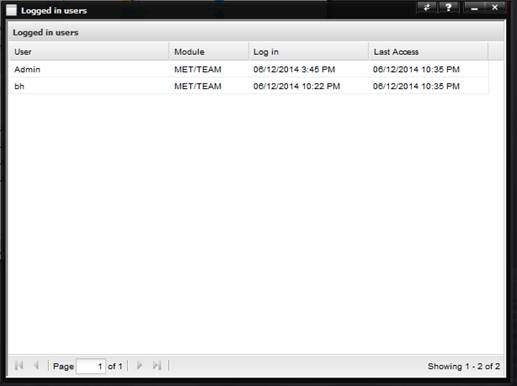
A user can be forcibly logged off by an administrator by right-clicking on a row in the grid and selecting Log Off from the popup menu. When a user is forcibly logged off, the license is released. Use this feature with extreme caution as it will prevent the logged off user from saving their work!
Note: This process can also be used to release a
MET/TEAM Mobile or MET/CAL license. Be aware that releasing a MET/TEAM Mobile
license in this way prevents the MET/TEAM Mobile instance from being able to
perform a Check-In, and releasing a MET/CAL license forces an active MET/CAL
user to have to log in again before any work can be saved! It is recommended
that this feature only be used when absolutely necessary.