The Contacts tab is for viewing contacts currently
associated with the facility or for adding new
contacts that will be associated with this facility. Contacts can be sorted by ascending or
descending order by clicking on the header of the column.
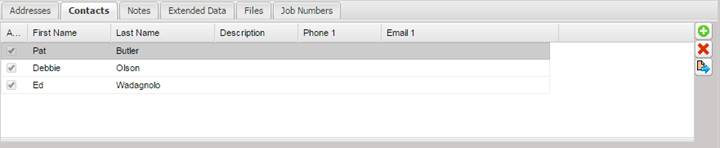
To add a new contact, select the “+”button. The contact will be associated with this Facility.
The Add Contact Screen is displayed for entering and then saving new Contact information.
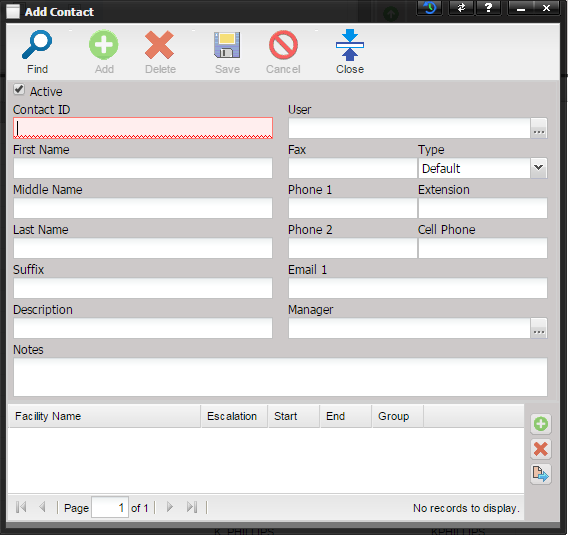
When a new Contact is added from this tab, the Contact is automatically associated with this Facility when the Save button on the Add Contact screen is selected.
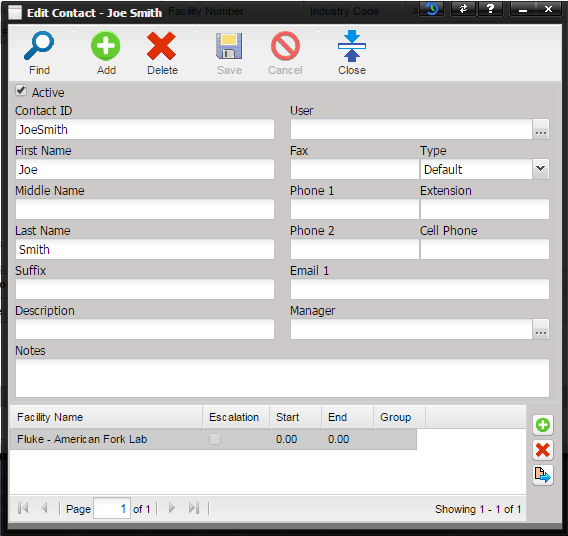
If you view the Contact information using the Quick Link button, you will see the Facility in the grid at the bottom of the contact screen.
To de-associate a contact from this facility, select the “X” delete button from the right hand side of the Facility Contact tab.
To view information pertaining to a Facility, select the Quick Link button.