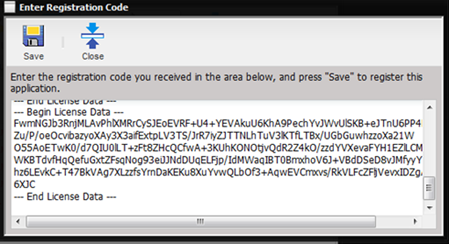
To apply the license request, select the Enter Registration Code button on the About MET/TEAM screen. Paste the entire license response information from the email text file attachment that you received, into the box on the Enter Registration Code dialog and select the Save button. The licenses are applied and the About MET/TEAM dialog is updated.
WARNING: Applying licenses
immediately forces all users to disconnect from MET/TEAM, including the login
being used to apply the licenses! This can potentially cause a loss of data!
Before applying licenses to MET/TEAM, make sure all users are notified to save
all changes and log off.
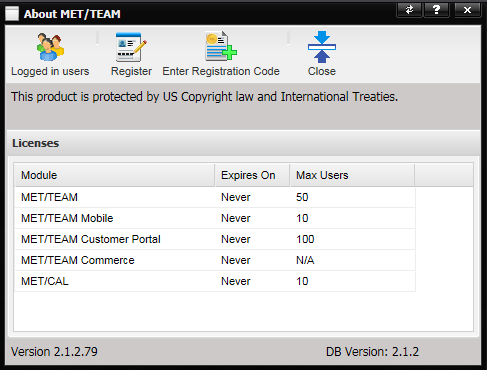
The About MET/TEAM dialog now reflects the licenses that were just applied to the system. The above screen shot should pr