The Default
Standards tab is for standard types used in the process of performing service
on an Asset. These are not specific serialized Assets, just types.
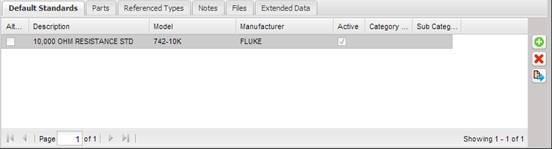
This allows for a broad definition that can be used in any service facility without knowing what specific Assets are available to perform the Procedure. This drastically reduces the maintenance of equipment selection for this Procedure and helps the technician by reducing the amount of data entry. This process also ensures the same data is referenced through the lab and enterprise.
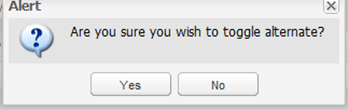
Standards can be set as an “Alternate” standard type by double clicking a standard type in the grid and answering “Yes” to the prompt. You can deselect the “Alternate” setting in the same manner.
The buttons to the right of the grid can be used to add, delete, or modify the default standard type.