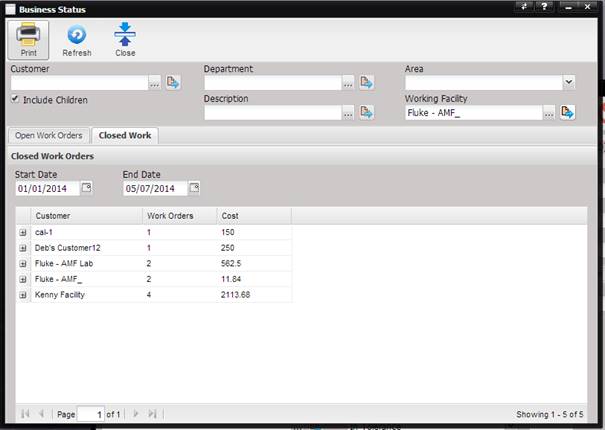
The Closed Work tab displays the number and cost of Work Orders closed for each customer for a date range.
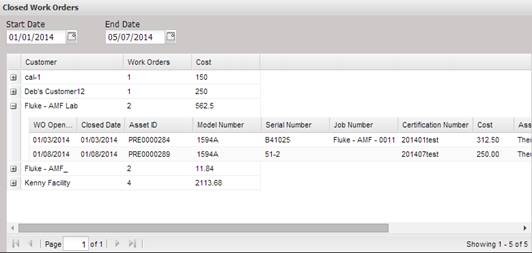
Select the “+” next to the customer to display the Work Orders closed for that customer.
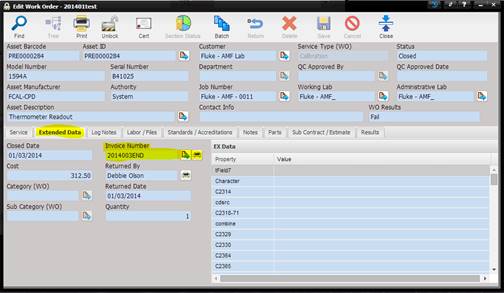
Double clicking a Work Order in the grid displays the Work Order. To view the invoice for a closed Work Order, select eh Extended Data tab on the Work Order and then the Quick Link button to view the invoice or the print button to print the invoice.