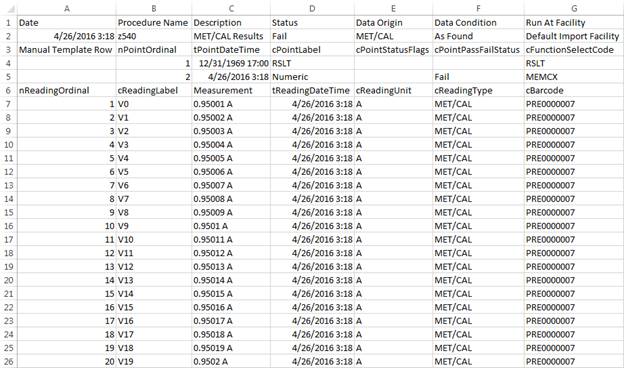
The Export Results button at the top of the Work Order screen is only enabled if the work order viewed has results data (and security permits access). When pressed, all work order results and points from the grid on the Results tab are exported to a CSV file. Optionally, individual measurements (point readings) can be included as well.

The server data is adjusted from UTC to the time zone chosen on the Export Results dialog, for date/time values.
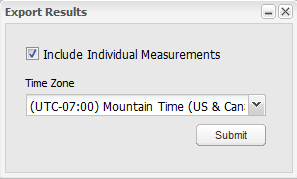
The included Points data reflects the Full Data option on the View Results screen.