Unlike system reports, which are tied to a particular screen and receive their run time parameter values automatically from the calling screen, Custom Reports are run standalone and present prompts to be filled in, if needed, for their run time parameters. The reports that require additional information and for which a Crystal Report prompt screen is displayed are: InvoiceTotals.rpt (requires Start Date and End Date), InvoiceTotalsByAmount.rpt (requires Start Date and End Date), and Worksheet.rpt (requires WO Number).
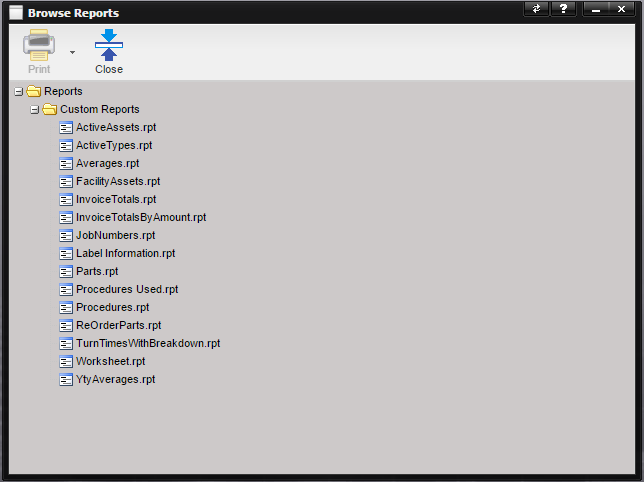
To run a report,
either double-click the report in the list (which defaults to creating a .PDF)
or highlight a report and then select the Print button.When a report is
selected from the list, the Print button is enabled. 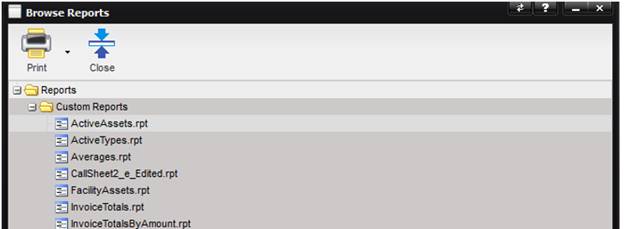
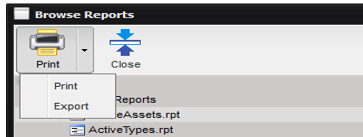
The Print button provides the options to Print or Export.
·
Selecting the
Print option displays the report as a .PDF in a separate browser tab.
·
Selecting the
Export option, exports the report to a .CSV file.
If parameters
are to be supplied, a prompt screen is displayed for entering information
needed for the report.