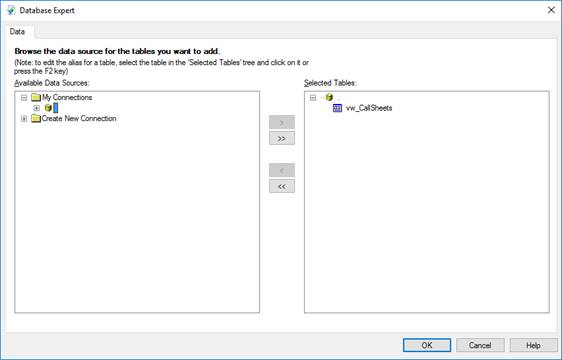
The Database Expert window opens and from here we will add database items to the report.
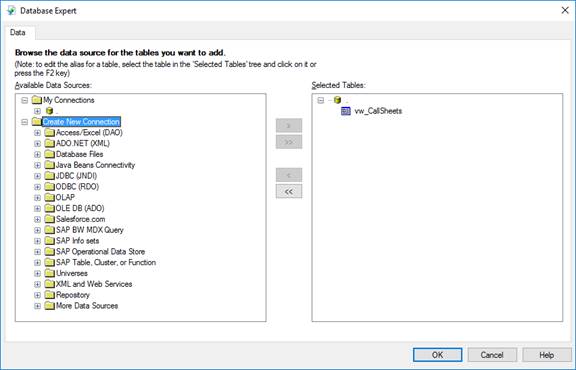
Expand the Create New Connection, and then expand ODBC (RDO).
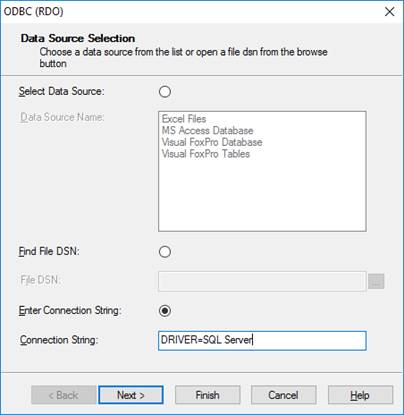
Set the Connection String to DRIVER=SQL Server.
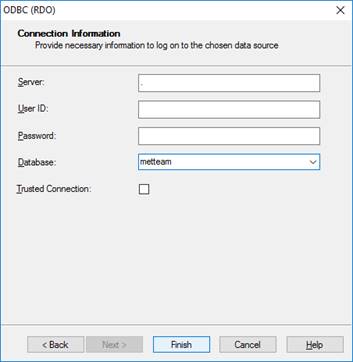
Press the Next button and on the ODBC (RDO) screen, select the server to connect to from the dropdown, enter user credentials and select the METTEAM database from the Database dropdown.