1.
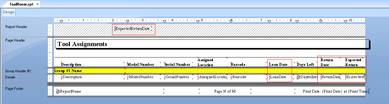
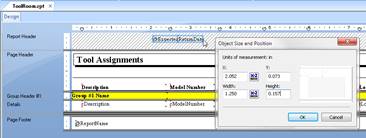
Identify the date/time
fields on the report.
2.
Make a formula
field for each, using ShiftDateTime() and replace the existing field on the
report.
a.
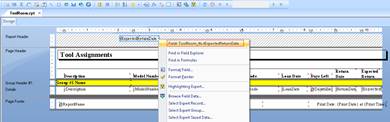
Locate the date/time
field.
b.
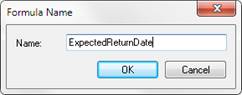
Make a formula
field.
c.
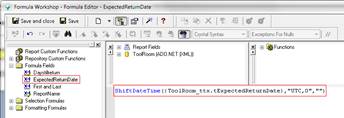
ShiftDateTime(<date
field value>, from timezone, to timezone) can be used to adjust date/time to
current (server) time.
d.
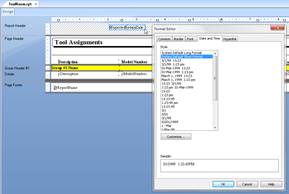
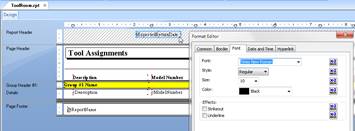
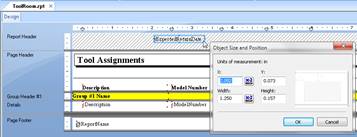
Capture the
formatting.
e.
Delete the field.
f.
Insert the
formula field.
g.
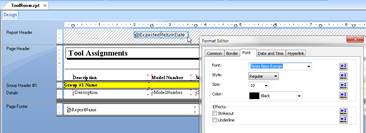
Restore the
formatting.
3.
Test the report
using SSMS, dates on report should reflect server time.