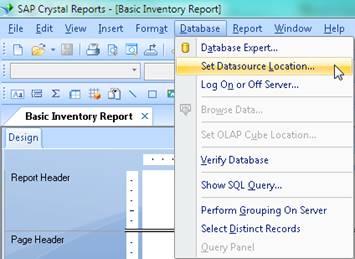
Expand the Create New Connection node
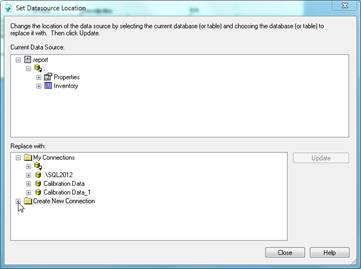
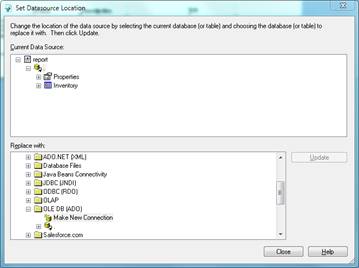
Locate OLE DB (ADO) and double-click Make New Connection.
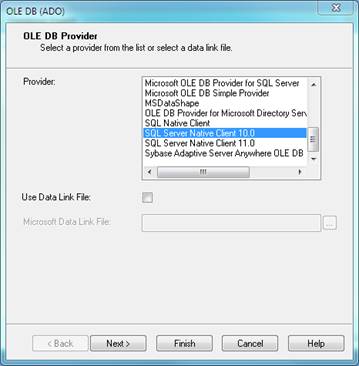
Select SQL Server Native Client 10.0 and click Next.
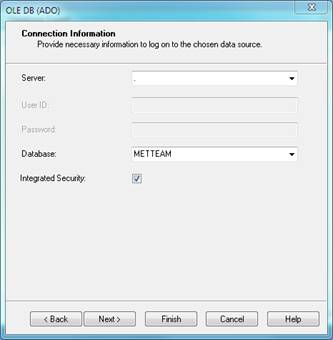
Select your server from the server dropdown (a dot can be used to indicate the local server), select METTEAM from the database dropdown and enter your credentials, then press Finish.
Now the newly added connection is available for use.
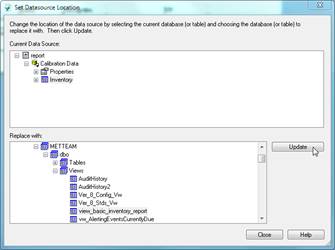
After pressing Update, the fields can be re-mapped.