To change your password from the Log-In screen, enter your username and your current password. Hover over and select the words “Change Password >>”.
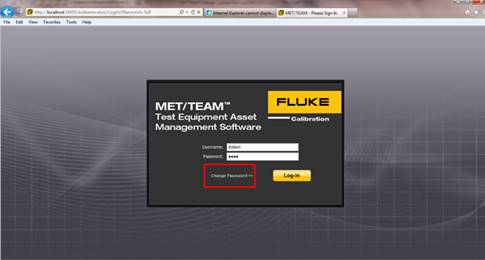
The Change Password screen is display.
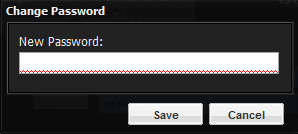
Type in the new password and select Save. A prompt is displayed stating that your password was successfully changed. There are no minimum or maximum length requirements for passwords.
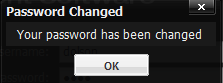
You are returned to the Log-In screen. Type your new password in and select the Log-In button.