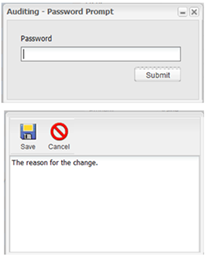
When Auditing is active, the user is prompted for a password. If the password, is correct a dialog is displayed for entering a reason for the change. A change reason must be entered before selecting the Save button.
Note: Changing the active state of the Auditing System Default requires users
to log off and close the browser for the change to take effect.
Note: To view the auditing history, the Change Tracking System Default must
be active.